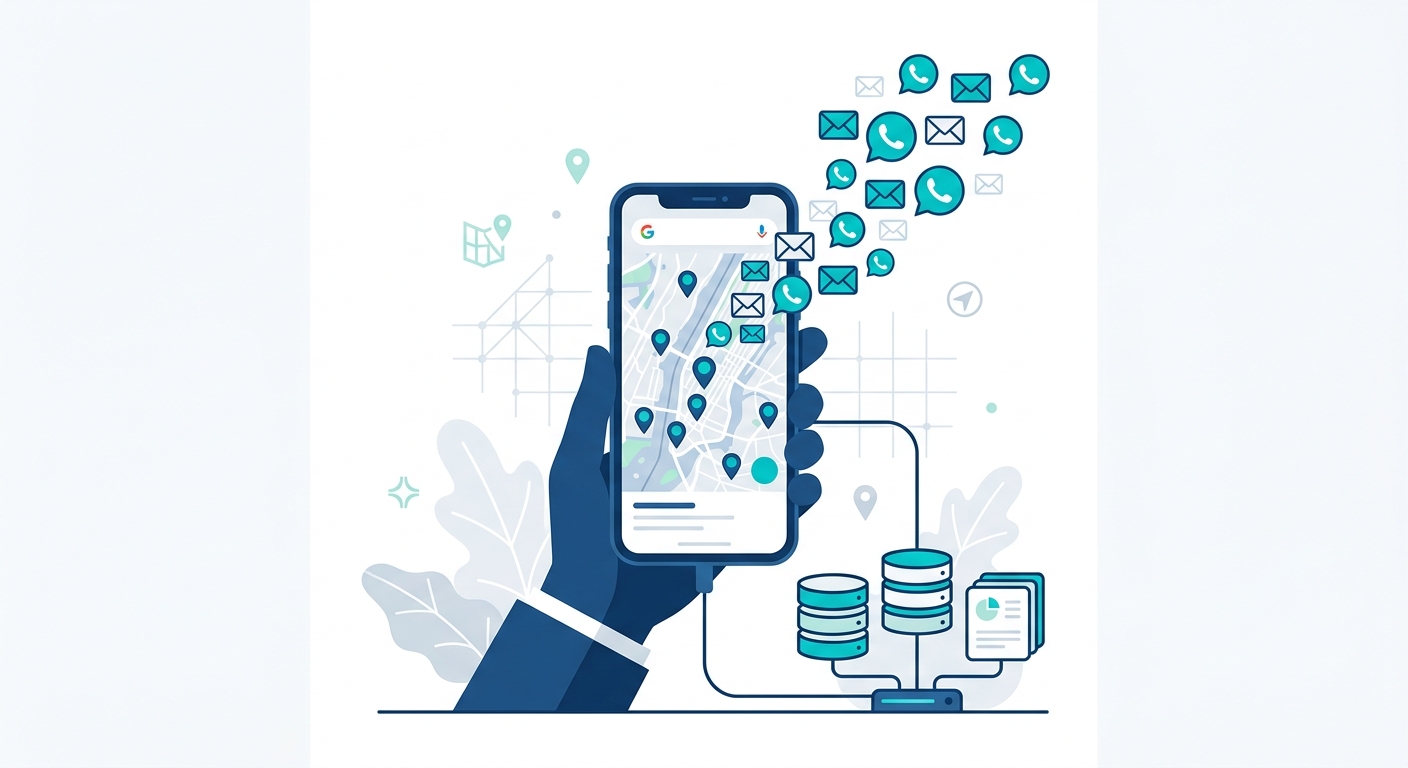
Most Google Maps scrapers give you half the contact data you need. They pull phone numbers but skip emails, or they extract emails but leave out the phone field entirely. You end up with a spreadsheet that only supports one outreach channel instead of two.
If you are building lead lists for cold email and cold calling, you need both. This article compares the Google Maps scrapers that extract email addresses and phone numbers together, so you can stop patching together partial lists from multiple tools.
Why both channels matter
Phone numbers and email addresses serve different purposes in outreach. Cold calling works when you need an immediate conversation, a quick qualification, or a direct pitch to a local business owner who answers their phone all day. Cold email works when you want to reach more prospects in less time, track open rates, and follow up automatically.
The teams that combine both channels consistently outperform single-channel outreach. A prospect who ignores your email might pick up the phone. A prospect who does not answer your call might read your email later that evening. Having both contact points doubles your chances of making contact.
But only if your scraper actually extracts both. Many tools that advertise “contact extraction” are really just pulling the phone number Google displays on the listing and ignoring the email entirely, or vice versa.
The gap: why most scrapers miss one or the other
Google Maps listings display phone numbers directly. They do not display email addresses. This means any scraper that only pulls data from the listing page gets phones but never emails.
Getting emails requires an extra step: visiting each business’s website and scanning for email addresses on contact pages, footers, and about pages. Most scrapers skip this because it is slower and more technically complex. The ones that do it often charge extra for it as an add-on.
The result is a tool landscape where most options give you one contact channel but not both.
Which tools extract emails, phones, or both
Here is the breakdown of what contact data each major Google Maps scraper actually extracts:
| Tool | Phone Numbers | Email Addresses | How Emails Are Obtained |
|---|---|---|---|
| MapGopher | Yes | Yes | Auto-crawls business websites |
| Outscraper | Yes | Paid add-on | Separate enrichment service |
| Apify | Yes | Not built-in | Requires separate actor/script |
| MapsScraper.io | Yes | No | Not supported |
| Scrap.io | Yes | Paid add-on | Separate enrichment tier |
| Botsol | Yes | No | Not supported |
| Google Places API | Yes | No | Google does not expose emails |
Only one tool on this list extracts both phone numbers and email addresses as a standard feature without requiring a separate purchase or custom development. The rest either skip emails entirely, charge extra for them, or require you to bolt on additional software.
Data completeness comparison
Contact data is only part of the picture. The value of a lead list depends on how much context comes with each phone number and email address. Here is what fields each tool extracts:
| Data Field | MapGopher | Outscraper | Apify | MapsScraper.io | Scrap.io | Botsol |
|---|---|---|---|---|---|---|
| Business Name | Yes | Yes | Yes | Yes | Yes | Yes |
| Address | Yes | Yes | Yes | Yes | Yes | Yes |
| Phone Number | Yes | Yes | Yes | Yes | Yes | Yes |
| Email Address | Yes | Add-on | No | No | Add-on | No |
| Website URL | Yes | Yes | Yes | Yes | Yes | Yes |
| Rating | Yes | Yes | Yes | Yes | Yes | Yes |
| Review Count | Yes | Yes | Yes | Yes | Yes | Yes |
| Claimed Status | Yes | Yes | Yes | No | No | No |
| Pricing Model | $79 once | Per lead | $49+/mo + usage | $15.83/mo | $49-99/mo | $29.99/mo |
| Unlimited Leads | Yes | No | No | No | No | No |
The claimed status field is worth calling out because it is a strong intent signal for agencies. An unclaimed Google Business Profile means the owner is not actively managing their online presence. That makes them a high-potential target for SEO, web design, and marketing services.
Sample export: what complete data looks like
When you extract leads with both email and phone, your CSV export looks like this:
| Business Name | Phone | Address | Rating | Reviews | Website | Claimed | |
|---|---|---|---|---|---|---|---|
| Summit Plumbing Co | (555) 234-8901 | [email protected] | 891 Oak St, Denver, CO 80202 | 4.8 | 142 | summitplumbing.com | Claimed |
| ClearView Dental | (555) 345-7890 | [email protected] | 234 Pine Ave, Denver, CO 80203 | 4.6 | 89 | clearviewdental.com | Unclaimed |
| Front Range HVAC | (555) 456-1234 | [email protected] | 567 Elm Dr, Denver, CO 80204 | 4.3 | 37 | frhvac.com | Claimed |
| Mile High Landscaping | (555) 567-2345 | 890 Cedar Ln, Denver, CO 80205 | 4.9 | 201 | mhlandscaping.com | Claimed | |
| Peak Roofing LLC | (555) 678-3456 | [email protected] | 123 Birch Rd, Denver, CO 80206 | 3.8 | 12 | peakroofingllc.com | Unclaimed |
Notice that not every business has an email. Roughly 40-60% of businesses with websites will return a discoverable email address. The rest still have phone numbers, so you call the ones you cannot email and email the ones you cannot call. Every lead gets contacted through at least one channel.
This is why having both data points in a single export matters. You sort by the email column, split your list into two segments, and build separate campaigns for each outreach channel. No manual cross-referencing between tools.
How MapGopher extracts both in one pass
MapGopher is a desktop application for Windows and Mac that scrapes Google Maps listings and automatically extracts email addresses from business websites in the same session. Here is how the process works:
Step 1: Enter your search. Type a keyword and location, like “electricians in Seattle” or “vet clinics in Portland.”
Step 2: The tool browses Google Maps. MapGopher navigates Google Maps at a natural pace, visiting each business listing and collecting the standard data: name, address, phone, website, rating, review count, and claimed status.
Step 3: It visits each website for emails. For every listing that has a website URL, MapGopher automatically opens that site in the background and scans for email addresses. It checks contact pages, footers, about pages, and other common locations where businesses publish their email.
Step 4: Export everything to one file. When the session finishes, you export a single CSV or Excel file with all data fields including both phone numbers and email addresses.
The whole process runs without any coding, API keys, or technical configuration. It is designed for people who need outreach-ready lists, not data engineering projects.
Why dual-channel outreach converts better
Data from sales engagement platforms consistently shows that multi-channel outreach outperforms single-channel campaigns. Here is why combining phone and email from the same lead list works:
Higher contact rates. Some business owners prefer email. Others prefer a phone call. You do not know which in advance. Having both means you meet the prospect on their preferred channel instead of guessing.
Better follow-up sequences. A common pattern: send an introductory email on Monday, follow up with a phone call on Wednesday referencing the email. This “email then call” approach gets higher pick-up rates because you are no longer a cold caller. You are following up on a message they already received.
Redundancy for incomplete data. Some emails bounce. Some phone numbers are disconnected. When you have both, a failed contact on one channel does not mean a lost lead. You simply switch to the other channel.
Segmentation opportunities. Businesses with emails can go into an automated email sequence. Businesses without emails go into a call list. You do not need to buy a second tool or manually look up the missing data.
A lead list with both email and phone is not just more data. It is a more flexible, resilient outreach strategy.
Cost comparison for dual-channel data
If you need both emails and phone numbers, the cost varies dramatically depending on which tool you choose:
| Tool | How You Get Both Channels | Total Cost |
|---|---|---|
| MapGopher | Both included in standard extraction | $79 one-time |
| Outscraper | Base scraping + “Emails and Contacts” enrichment | Pay per lead + enrichment fee |
| Apify | Base scraping + custom email scraping actor | $49/mo platform + usage costs |
| Scrap.io | Base plan + email enrichment add-on | $49-99/mo + add-on |
| Others | Separate email finder tool (Hunter.io, Snov.io) | Base tool cost + $49-199/mo |
With most tools, getting complete contact data means either paying for an add-on, writing custom code, or subscribing to a separate email finder service. MapGopher includes both channels in the base $79 purchase with no recurring fees.
Bottom line
If you are searching for a Google Maps scraper with email and phone extraction, most tools will give you one or the other but not both without extra cost or effort. Phone numbers are easy because Google displays them. Email addresses require a second step that many scrapers skip.
MapGopher handles both in a single session. It pulls phone numbers from Google Maps listings and automatically crawls business websites to find email addresses. Your export includes every data field in one file: business name, address, phone, email, website, rating, review count, and claimed status.
One-time $79 payment, unlimited leads, no recurring fees, no add-ons to buy. Works on Windows and Mac. Export to CSV or Excel and start your dual-channel outreach the same day.