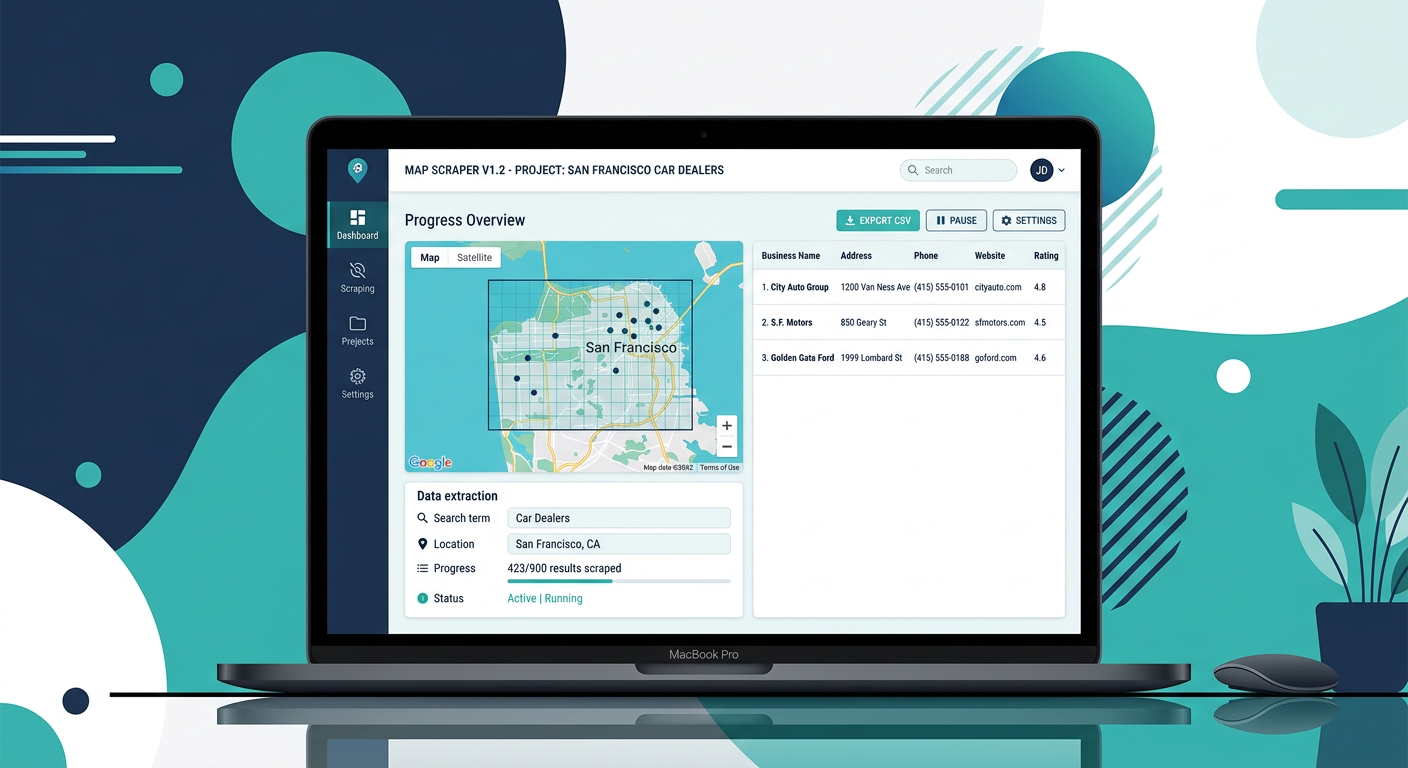
You search for a Google Maps scraper, find one that looks perfect, then discover it is a Windows .exe file. No Mac version. Back to searching.
This happens more than you would think. A surprising number of Google Maps scraping tools are built exclusively for Windows, leaving Mac users stuck with browser-based alternatives or cloud platforms that charge by the month.
This article covers every Google Maps scraper that works on macOS, including native desktop apps, browser extensions, and cloud tools. It also covers which popular tools do not support Mac, so you can stop clicking through dead ends.
All Mac-compatible Google Maps scrapers compared
Here are five options that work on macOS, compared by pricing, features, and platform.
| Tool | Platform | Pricing | Email Extraction | Unlimited Leads | Apple Silicon Native | How It Works on Mac |
|---|---|---|---|---|---|---|
| MapGopher | Desktop app | $79 one-time | Yes (automatic) | Yes | Yes | Native desktop app, runs locally |
| Outscraper | Cloud (browser) | Pay per 1K places | Paid add-on | No | N/A (browser-based) | Web dashboard, any browser |
| Apify | Cloud (browser) | $49/mo + compute | Not built-in | No | N/A (browser-based) | Web dashboard, configure actors |
| MapsScraper.io | Chrome extension | $15.83/mo (annual) | No | No (plan caps) | N/A (Chrome) | Extension in Chrome, any Mac with Chrome |
| PhantomBuster | Cloud (browser) | From $69/mo | Limited | No | N/A (browser-based) | Web dashboard, cloud execution |
MapGopher
MapGopher is a desktop application that runs natively on macOS, including Apple Silicon (M1, M2, M3, M4) and Intel-based Macs. It scrapes Google Maps business listings and automatically extracts email addresses from each business’s website.
How it works on Mac: Download the Mac installer, install like any other application, and run it. MapGopher uses your local Chrome browser to navigate Google Maps the way a person would. Results are saved to CSV or Excel on your hard drive. Your data never leaves your machine.
Key details:
- $79 one-time payment, no recurring fees
- Automatic email extraction included (not a paid add-on)
- Unlimited leads, no per-search charges
- Native Apple Silicon support plus Intel Mac compatibility
Best for: Mac users who want a native desktop scraper with no ongoing costs and automatic email extraction.
Outscraper
Cloud-based platform. You submit Google Maps queries through their web dashboard, and they process the scrapes on their servers. Works in any browser on your Mac.
The pricing model is pay-per-1,000-places (~$2-4 per 1K). Email enrichment costs extra as a separate service. No unlimited tier. Cost scales with every search.
Best for: Users who need cloud scraping at scale and are comfortable with variable monthly costs.
Apify
Developer-focused scraping platform. Their Google Maps Scraper is one of many “actors” you configure through a web dashboard. Runs in any Mac browser.
$49/month platform fee plus usage-based compute charges. Highly customizable, but requires technical knowledge to set up. Email extraction requires a separate actor. Total monthly cost is hard to predict.
Best for: Developers building data pipelines who need programmatic control and API access.
MapsScraper.io
Chrome extension that scrapes data visible on your Google Maps screen. Works on any Mac with Chrome installed. Lowest entry price at $15.83/month (annual billing).
The catch: only scrapes what is currently visible on screen. No email extraction. Plan limits cap how many leads you can pull. Breaks when Google changes its page layout.
Best for: Casual users who need small batches of basic data.
PhantomBuster
Cloud automation platform with a Google Maps scraping tool among its many features. Runs in your browser. From $69/month. Email extraction is inconsistent. Google Maps scraping is not their core focus.
Best for: People already using PhantomBuster for other automation who want Maps scraping as part of their workflow.
Which popular scrapers do NOT work on Mac
If you have been researching Google Maps scrapers, you have probably hit dead ends with Windows-only tools. Here are the ones that do not support macOS.
| Tool | Platform | Why No Mac Version | Workaround |
|---|---|---|---|
| Botsol | Windows desktop | Built as a Windows .exe application, no Mac port | Parallels, Boot Camp (Intel Macs only) |
| G Maps Extractor | Windows desktop | .NET-based Windows application | Parallels, Wine (unreliable) |
| MapLeadScraper | Windows desktop | Windows executable, no macOS build | Virtual machine |
You can run Windows on a Mac using Parallels Desktop, but that means paying $99+ for virtualization software, allocating RAM and disk space to a Windows VM, and maintaining a separate environment just to run one scraper.
On Apple Silicon Macs (M1 and later), Parallels runs Windows ARM. Most .exe files work through emulation, but scraping tools often behave unpredictably through two layers of translation. The simpler solution: use a scraper that runs natively on macOS.
Apple Silicon (M1/M2/M3/M4) compatibility
If you bought a Mac in the last four years, it runs on Apple Silicon. This matters for desktop applications because software built for Intel processors runs through Rosetta 2 translation, which works but adds overhead.
- MapGopher: Runs natively on Apple Silicon. No Rosetta needed. Works at full speed on M1, M2, M3, and M4 chips.
- Chrome extensions: Chrome runs natively on Apple Silicon, so extensions like MapsScraper.io work at full speed.
- Cloud tools: These run in your browser, so Apple Silicon is irrelevant.
- Windows tools via Parallels: This is where Apple Silicon causes real problems. Botsol and other .exe scrapers run through two translation layers and may crash or perform poorly.
Cloud vs desktop for Mac users
If you prefer not to install anything on your Mac, cloud-based scrapers are an option. Here is the tradeoff.
| Approach | Tools | Pros | Cons |
|---|---|---|---|
| Cloud | Outscraper, Apify, PhantomBuster | No install, runs while you sleep, API access | Monthly fees, per-lead pricing, data on their servers |
| Chrome ext | MapsScraper.io | Lightweight, easy to start | Limited volume, no emails, plan caps |
| Desktop app | MapGopher | One-time cost, unlimited, emails included | Must run on your machine, no API |
Cloud tools offer convenience at ongoing cost. Desktop tools offer value and privacy. For most Mac users doing local business lead generation, a native desktop app that costs $79 once is the practical choice.
Setting up MapGopher on Mac (step by step)
Step 1: Check your system. You need a Mac with Apple Silicon (M1/M2/M3/M4) or an Intel processor, and Google Chrome installed.
Step 2: Download MapGopher. Visit the MapGopher download page and purchase the license ($79 one-time). You receive a download link for the Mac installer.
Step 3: Install. Open the downloaded file and drag MapGopher to your Applications folder. On first launch, macOS may ask you to confirm opening an app downloaded from the internet. Click Open.
Step 4: Activate your license. Enter the license key you received after purchase. One-time activation. No account creation or subscription.
Step 5: Run your first scrape. Enter a keyword and location (for example, “dentists in Portland”). Click Start. MapGopher opens Chrome, navigates Google Maps, collects business data, visits each business’s website for email addresses, and saves everything to a CSV file.
Step 6: Export. Open the CSV in Excel, Google Sheets, or Numbers. The file includes business name, address, phone, website, email, rating, review count, and category.
Total setup time: under five minutes.
The bottom line
Most Google Maps scrapers ignore Mac users. Botsol, G Maps Extractor, and other desktop tools ship Windows .exe files and stop there. Your options as a Mac user:
For a native desktop experience with no recurring fees: MapGopher is the only Google Maps scraper that runs natively on macOS (Apple Silicon and Intel), includes automatic email extraction, offers unlimited leads, and costs $79 once.
For cloud scraping at scale: Outscraper or Apify. You get API access and server-side processing, but you pay per lead or per month. Expect $180 to $1,000+ per year.
For quick, small-scale extraction: MapsScraper.io. Works on any Mac with Chrome. Limited volume, no emails, lowest monthly entry point.
If you generate leads regularly and emails are part of your outreach, a one-time desktop tool that works natively on your Mac is difficult to beat. MapGopher is available for $79 with native macOS support, automatic email extraction, unlimited leads, and no subscription.