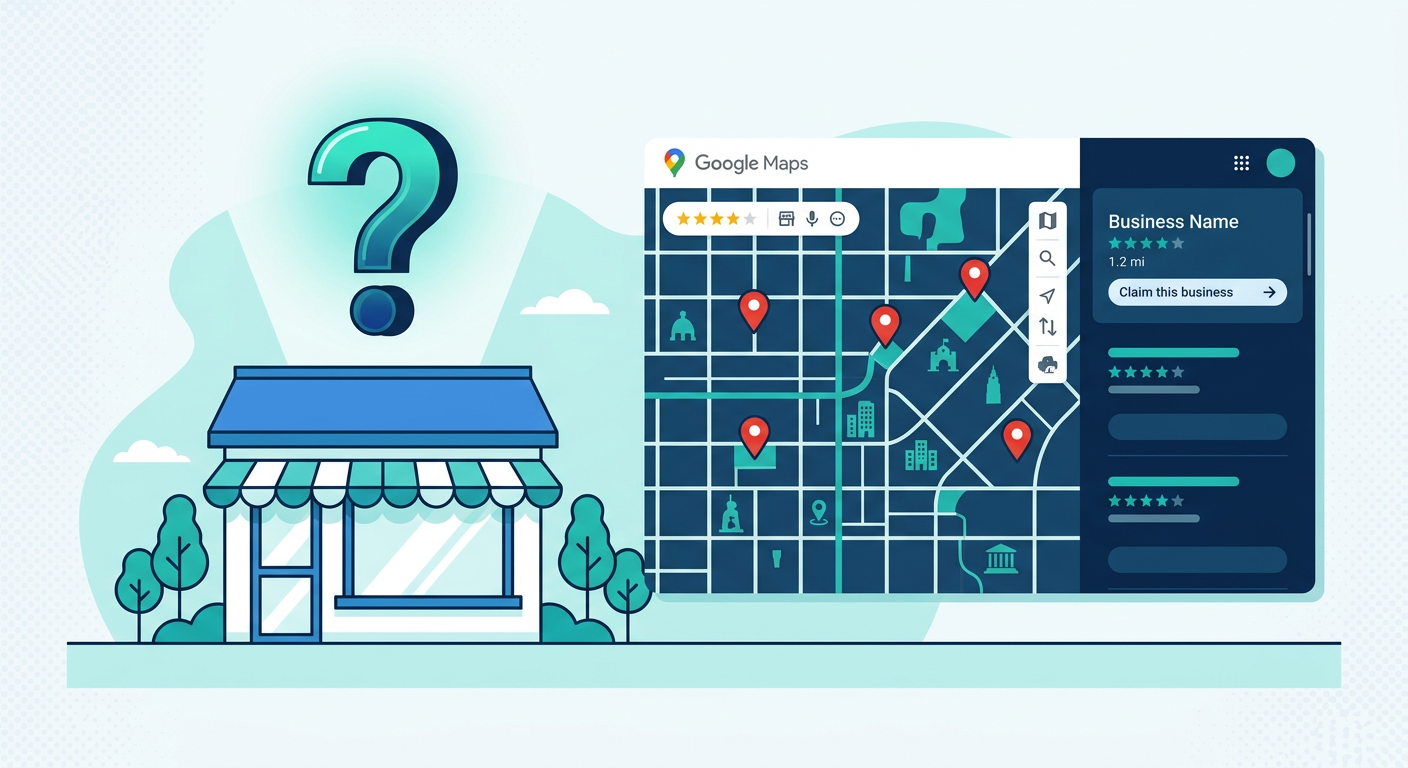
Walk through any town and half the businesses you pass have something in common: their Google Business Profile is sitting there, unclaimed, with no photos, no posts, and no owner responding to reviews.
For local SEO agencies and freelancers, that is not a problem. That is a pipeline.
Unclaimed Google Business Profiles are one of the easiest lead generation opportunities in local SEO. The business owner already has a listing that ranks. They just have not touched it. That means you can demonstrate value in your first sentence, and close them in your first call.
Here is how to find these profiles at scale and turn them into paying clients.
What is an unclaimed Google Business Profile?
Google creates Business Profiles automatically for millions of businesses using data from public records, user submissions, and third-party sources. The business exists on Google Maps whether the owner set it up or not.
A profile is unclaimed when the actual business owner has never gone through Google’s verification process to take control of it. You can spot these profiles by the “Own this business?” link that appears on the listing.
Unclaimed profiles often show telltale signs:
- No owner-uploaded photos — only user-contributed images
- No business description or posts
- No responses to reviews, positive or negative
- Missing or outdated hours
- No website link, or only a social media page
Some of these businesses are thriving offline. They just have no idea their Google listing exists, or they do not have the technical confidence to manage it.
Why unclaimed profiles are the best local SEO prospects
Not all leads are equal. An unclaimed profile gives you three advantages that most prospects cannot match.
The owner is not tech-savvy — and that works in your favor
If a business has not claimed its Google profile, the owner likely is not handling their own online marketing. That means they are not going to DIY the SEO work you are pitching. They need you, and they probably know it.
You can prove value before the pitch
This is the big one. You do not need to explain abstract SEO concepts. You can open Google Maps, show them their unclaimed profile with missing hours and zero photos, and ask: “Do you know this is what customers see when they search for you?”
That question does more selling than any proposal deck.
The competition is weak
If a business has not claimed its profile, it almost certainly has no SEO strategy. No optimized content, no citation building, no review management. That means you can deliver visible results fast, which leads to retention and referrals.
How to find unclaimed Google Business Profiles
There are three approaches, depending on how many leads you need.
| Method | Speed | Best For | Effort |
|---|---|---|---|
| Manual browsing | 10-20 leads/hour | One-off small lists | High |
| Google search operators | Inconsistent results | Quick spot checks | Medium |
| Bulk extraction (MapGopher) | Hundreds in minutes | Regular prospecting | Low |
Manual browsing (for small lists)
Search Google Maps for a business type and city. Click through each result and look for the “Own this business?” link. This works for building a list of 10-20 prospects, but it becomes impractical beyond that.
Google search operators
Try queries like "own this business" [keyword] [city] in regular Google search. This can surface unclaimed listings, but results are inconsistent and hard to scale.
Bulk extraction with a scraping tool
The fastest approach is to use a tool that extracts claimed/unclaimed status alongside the rest of the business data. You run one search, and get back a spreadsheet where every row tells you whether that profile is claimed or not.
This is where MapGopher comes in.
How MapGopher extracts claimed status
When MapGopher scrapes a Google Maps search, it visits each business listing and reads the page the same way a human user would. One of the data points it captures is whether the listing shows signs of being claimed or unclaimed.
Every row in your exported CSV includes a Claimed Status field. You can sort or filter your spreadsheet to show only unclaimed businesses, and your prospect list is ready.
Here is what a typical MapGopher export looks like for an unclaimed profile:
| Field | Example |
|---|---|
| Business Name | Brookside Auto Repair |
| Phone | (555) 234-5678 |
| [email protected] | |
| Address | 440 Oak St, Portland, OR |
| Rating | 4.3 (17 reviews) |
| Website | brooksideauto.com |
| Claimed Status | Unclaimed |
You get the business name, phone number, email (pulled from their website), address, review data, and claimed status all in one row. No switching between tabs. No manual lookup.
The workflow is simple: enter a keyword and location, run the session, export the CSV, filter by “Unclaimed,” and start dialing or emailing.
Combine unclaimed status with low reviews for ultra-targeted lists
Claimed status alone is powerful. But combine it with review count, and you get something even better: a prospect score.
Here is the logic. A business that is both unclaimed and has fewer than 10 reviews is your ideal prospect. They have zero online marketing infrastructure. They will see the fastest results from your work. And they are the least likely to comparison-shop between agencies because they do not know what the alternatives look like.
With MapGopher’s CSV export, you can filter for both conditions at once:
- Claimed Status = Unclaimed
- Review Count < 10
Sort the results by rating if you want to prioritize businesses that already have decent reputations (they will respond best to outreach). Or sort by review count ascending to find the most neglected listings first.
This filtered list is your outreach pipeline. Every business on it is a high-probability close.
Outreach scripts for unclaimed profile prospects
The reason unclaimed profiles convert so well is that your outreach can be specific and immediate. You are not pitching a vague service. You are pointing at something real they can see in 30 seconds.
Cold email template
Subject: Your Google listing is missing something
Hi [Name],
I was searching for [service] in [city] and noticed your business on Google Maps. Your profile is currently unclaimed, which means you are not showing up in the map pack when people search for [keyword] nearby.
That spot is free real estate. Claiming and optimizing your profile usually takes a few days, and most businesses see a bump in calls and directions within the first month.
Would you like me to send over a quick breakdown of what your listing looks like now and what it could look like?
[Your name]
Cold call opener
“Hi, I was looking at your business on Google Maps and noticed your profile is unclaimed. That means customers searching for [service] in [city] are seeing a bare-bones listing with no photos or description. I help local businesses fix that. Do you have two minutes?”
Follow-up email (3 days later)
Hi [Name],
Just circling back. I took a screenshot of what your Google Maps listing looks like right now versus what a fully optimized profile looks like. The difference is pretty stark.
Happy to send it over if you are curious. No commitment.
[Your name]
The key in every template: lead with the specific problem you found. Do not talk about your agency. Talk about their listing. Make it visible and immediate.
The math on unclaimed profile prospecting
Industry research from BrightLocal and other local SEO firms has consistently found that roughly half of all Google Business Profiles remain unclaimed. That means in any city, across any business category, there are dozens or hundreds of prospects who have never been contacted about their listing.
Most of these businesses are not being pitched by other agencies. They are invisible to the typical outbound workflow because nobody has built a list that specifically targets them.
That is the advantage of scraping with claimed status in mind. You are not competing for the same prospects as every other agency cold-calling from a generic directory. You are working from a list that most people do not bother to build.
Getting started
The process is straightforward:
- Pick a niche and city. Start with something you know. Plumbers in Austin. Dentists in Denver. Landscapers in Charlotte.
- Extract the data. Run a MapGopher session for that keyword and location. Export the CSV.
- Filter for unclaimed profiles. Sort by claimed status and review count. Build your target list.
- Outreach this week. Use the email and phone number from the export. Lead with the unclaimed profile angle.
- Close and deliver. Claim the profile, optimize it, and show the before-and-after.
Unclaimed Google Business Profiles are the lowest-effort, highest-conversion prospecting opportunity in local SEO. The businesses are real, the problem is obvious, and the solution is something you can deliver in days.
If you want to skip the manual work and start building filtered prospect lists in minutes, MapGopher extracts claimed status, emails, and contact details directly from Google Maps. One-time purchase, unlimited sessions.