Outscraper is one of the most popular Google Maps scraping tools. It offers a clean interface, reliable extraction, and plenty of data fields. For many users, it works well.
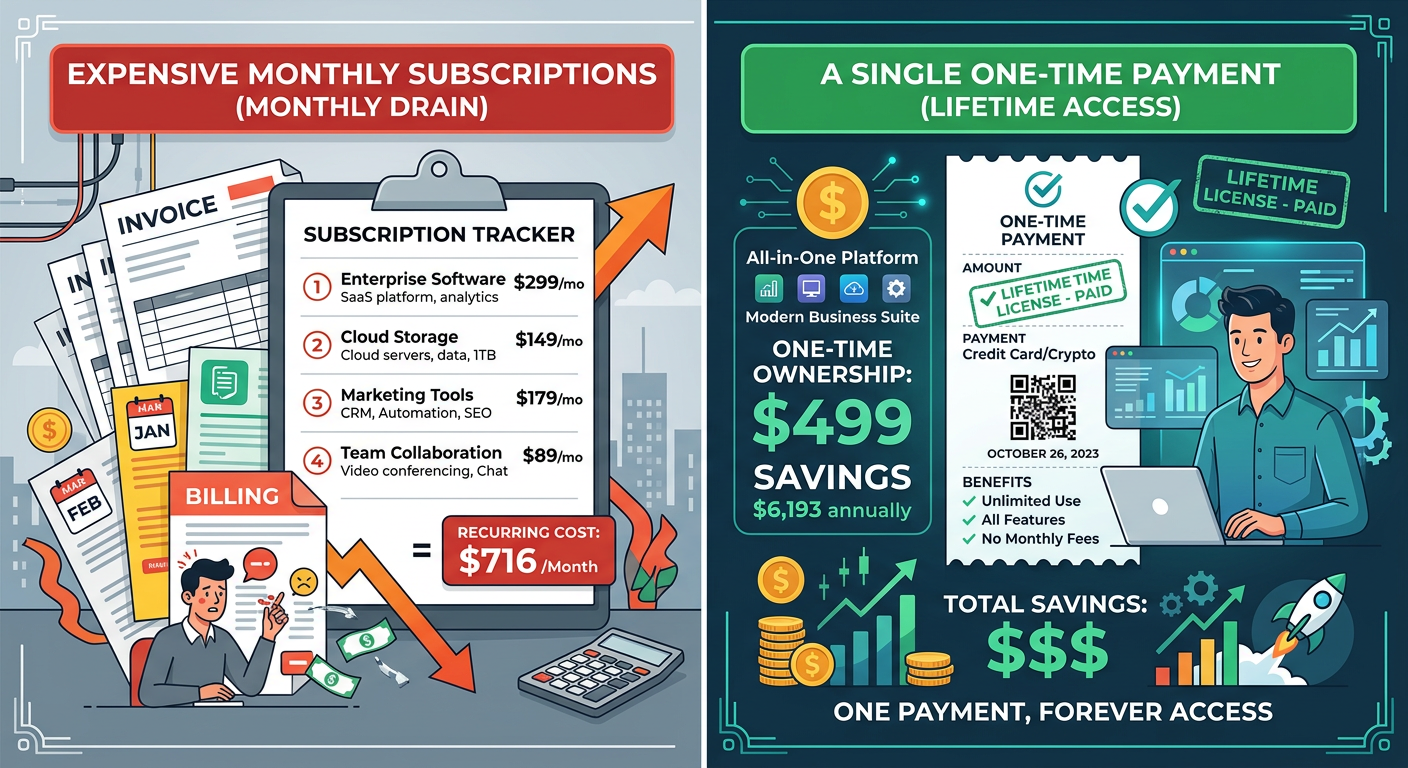
But the pricing adds up fast. The Starter plan runs $49 per month. The Business plan is $99 per month. Use it for a year and you have spent $588 to $1,188. Keep using it, and the subscription never ends.
If you are a freelancer, small agency, or individual investor, that recurring cost is significant. You are paying for features you might not need, and you are locked into a subscription just to access your own lead data.
There is an alternative. MapGopher offers the same core Google Maps extraction functionality for a one-time $79 purchase. No monthly fees. No annual renewals. No subscription lock-in.
This article compares Outscraper and MapGopher directly so you can decide which fits your needs and budget.
Outscraper pricing breakdown
Outscraper uses a subscription model with several tiers:
| Plan | Monthly Cost | Annual Cost | Lead Limits |
|---|---|---|---|
| Free | $0 | $0 | 500 leads/month |
| Starter | $49 | $588 | 5,000 leads/month |
| Business | $99 | $1,188 | 50,000 leads/month |
| Enterprise | $199 | $2,388 | 150,000 leads/month |
Key pricing details:
- The Free plan is limited to 500 leads per month, which is insufficient for serious prospecting
- Annual billing saves 20%, but you are still paying every year
- Unused leads do not roll over month to month
- You lose access to the platform if you cancel your subscription
For a small agency extracting 10,000 leads per month, the Business plan at $99/month ($1,188/year) is the minimum viable option.
MapGopher pricing breakdown
MapGopher uses a simple one-time purchase model:
| Cost Type | Amount |
|---|---|
| Purchase price | $79 one-time |
| Monthly cost | $0 |
| Annual cost | $0 |
| Lead limits | Unlimited |
| Device activations | 3 computers |
Key pricing details:
- One payment grants lifetime access
- Extract unlimited leads with no monthly quotas
- Data never expires or gets cut off
- Works on Windows and macOS (Apple Silicon supported)
The break-even point is immediate. One month of Outscraper’s Starter plan costs more than the entire lifetime cost of MapGopher.
Feature comparison
Here is how the two tools compare on the features that matter for lead generation:
Data extraction capabilities
| Feature | Outscraper | MapGopher |
|---|---|---|
| Business name | Yes | Yes |
| Phone number | Yes | Yes |
| Email address | Yes (from website) | Yes (from website) |
| Physical address | Yes | Yes |
| Website URL | Yes | Yes |
| Rating and reviews | Yes | Yes |
| Business category | Yes | Yes |
| Hours of operation | Yes | Yes |
| Claimed/unclaimed status | No | Yes |
| Photos | Yes | No |
Analysis: Both tools extract the core contact data you need for outreach. Outscraper includes photos and hours, which are nice-to-have. MapGopher includes claimed/unclaimed status, which is a high-value signal for SEO agencies and consultants.
Export and data formats
| Feature | Outscraper | MapGopher |
|---|---|---|
| CSV export | Yes | Yes |
| Excel export | Yes | Yes |
| JSON export | Yes | No |
| Direct API access | Yes (paid plans) | No |
| Custom field selection | Yes | Yes |
Analysis: Outscraper offers more export formats and API access for developers who need to integrate with other systems. MapGopher focuses on the formats most business users actually need: CSV and Excel for immediate use in cold email or CRM import.
Usage and workflow
| Feature | Outscraper | MapGopher |
|---|---|---|
| Cloud-based | Yes | Desktop app |
| Browser required | No | No |
| Internet connection | Required | Required for extraction |
| Data storage | Cloud | Local only |
| Multi-location search | Yes | Yes |
| Search radius filtering | Yes | Yes |
Analysis: Outscraper runs in the cloud, which means you can access it from any device. MapGopher runs locally, which means your data never leaves your computer. For users concerned about data privacy or working with sensitive lead lists, local processing is an advantage.
Cost scenario comparison
Let us look at real-world costs for different user types:
Scenario 1: Freelance marketer
Usage: 2,000 leads per month for cold email campaigns
| Tool | Year 1 | Year 2 | Year 3 | 3-Year Total |
|---|---|---|---|---|
| Outscraper Starter | $588 | $588 | $588 | $1,764 |
| MapGopher | $79 | $0 | $0 | $79 |
| Savings | $1,685 |
Scenario 2: Lead generation agency
Usage: 25,000 leads per month across multiple clients
| Tool | Year 1 | Year 2 | Year 3 | 3-Year Total |
|---|---|---|---|---|
| Outscraper Business | $1,188 | $1,188 | $1,188 | $3,564 |
| MapGopher | $79 | $0 | $0 | $79 |
| Savings | $3,485 |
Scenario 3: Real estate wholesaler
Usage: 500 leads per month, seasonal spikes
| Tool | Year 1 | Year 2 | Year 3 | 3-Year Total |
|---|---|---|---|---|
| Outscraper Starter | $588 | $588 | $588 | $1,764 |
| MapGopher | $79 | $0 | $0 | $79 |
| Savings | $1,685 |
In every scenario, the savings are substantial. After the first month, MapGopher is pure savings.
When Outscraper makes sense
Outscraper is the better choice in specific situations:
You need API access:
If you are building an application or automated workflow that requires programmatic access to Google Maps data, Outscraper’s API is valuable. MapGopher does not offer an API.
You need photos and images:
If your use case requires downloading business photos or images from Google Maps listings, Outscraper includes this. MapGopher focuses on contact data only.
You prefer cloud-based tools:
If you work across multiple devices and want your data accessible from anywhere, Outscraper’s cloud model works better. MapGopher stores data locally on each device.
You need team collaboration features:
Outscraper offers team plans with shared access and collaboration features. MapGopher is designed for individual use with up to 3 device activations.
When MapGopher makes sense
MapGopher is the better choice for most individual users and small teams:
You want to avoid subscriptions:
If you are tired of monthly software bills and want to own your tools outright, MapGopher’s one-time pricing is ideal.
You prioritize data privacy:
If you work with sensitive lead lists or prefer that your data never touch a third-party server, MapGopher’s local processing keeps everything on your machine.
You need claimed/unclaimed status:
For SEO agencies and consultants, knowing whether a Google Business Profile is claimed is a critical prospecting signal. MapGopher includes this; Outscraper does not.
You extract leads inconsistently:
If you have busy months followed by slow months, Outscraper’s subscription means you pay even when you are not using it. MapGopher lets you extract unlimited leads whenever you need them.
You are budget-conscious:
If $50-100 per month matters to your bottom line, MapGopher pays for itself immediately and saves thousands over time.
Data quality comparison
Both tools extract data from the same source: Google Maps. The quality of the underlying data is identical. The differences are in processing and enrichment.
Email discovery
Outscraper: Visits business websites and extracts emails using pattern matching and contact page scanning.
MapGopher: Visits business websites and extracts emails using pattern matching and contact page scanning.
Result: Both tools find similar email coverage. Expect 60-80% of businesses to have discoverable emails, depending on the industry.
Phone number accuracy
Outscraper: Extracts the phone number displayed on Google Maps.
MapGopher: Extracts the phone number displayed on Google Maps.
Result: Identical accuracy. Both pull from the same source.
Data freshness
Outscraper: Data is extracted at the time of your request. Freshness depends on when you run the extraction.
MapGopher: Data is extracted at the time of your request. Freshness depends on when you run the extraction.
Result: Both offer real-time extraction. Neither relies on cached databases.
User experience comparison
Outscraper workflow
- Log in to the web application
- Select the Google Maps scraper
- Enter search queries and locations
- Configure output fields
- Run the extraction
- Download results from the cloud interface
MapGopher workflow
- Open the desktop application
- Enter search query and location
- Configure extraction settings
- Run the session
- Export results to CSV/Excel locally
Analysis: Outscraper offers more configuration options and a web-based interface. MapGopher offers a simpler, focused workflow designed for quick extractions without overwhelming options.
Migration: Switching from Outscraper to MapGopher
If you are currently using Outscraper and want to switch, the transition is straightforward:
Step 1: Export any existing lead lists you want to keep from Outscraper
Step 2: Purchase and download MapGopher
Step 3: Recreate your most important saved queries in MapGopher
Step 4: Run test extractions to verify you are getting the data you need
Step 5: Cancel your Outscraper subscription after confirming MapGopher meets your needs
Your existing lead lists remain usable. The data formats (CSV/Excel) are compatible with any CRM or email tool you are already using.
The bottom line
Outscraper is a capable tool with a fair pricing model for what it offers. If you need API access, team features, or photo extraction, it is worth the subscription cost.
But for most users who simply need business contact data from Google Maps, the subscription model is unnecessary. You are paying continuously for a tool you use intermittently to extract data that should be yours to keep.
MapGopher offers the same core value—unlimited Google Maps lead extraction with email discovery—for a one-time payment that pays for itself in the first month.
Choose Outscraper if: You need API access, team collaboration, or photo extraction, and the ongoing cost fits your budget.
Choose MapGopher if: You want to avoid subscriptions, prioritize data privacy, need claimed/unclaimed status, and prefer a simple desktop workflow.
The math is simple: one year of Outscraper’s Starter plan costs $588. MapGopher costs $79 once. If you plan to extract Google Maps leads for more than two weeks, MapGopher is the more economical choice.
MapGopher extracts unlimited Google Maps leads with claimed/unclaimed status detection for a one-time $79 purchase. No subscriptions. No monthly fees. Your data stays on your machine.